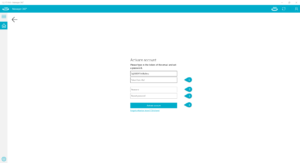
User Registration
General Information
In the following will be explained how user can create an account. This account can use for the logging in on the Manager 360° and it is necessary for activation the license for the BDCreator®Plus.
Step by Step
Step 1
Open the Manager 360° application on your computer. If it is not installed please contact the Help&Support.
Step 2
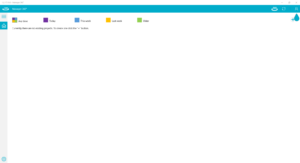
Select the login button on the right upper corner.
Step 3
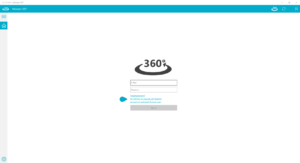
Select the link for “registration an account”.
Step 4
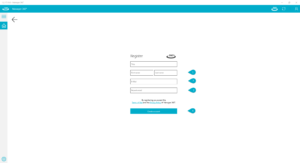
Type in the user information and your E-mail adress.
Step 5
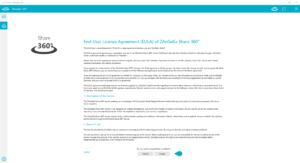
If you agree the EULA – click on “Accept”
Step 6
After accepting the EULA you receive a E-mail with the second token. Insert this token in right place so the software can verify the E-mail. It is necessary to add your personal desired password. For conclusion click “Activate account”.